If you have been waiting for a sensible moment to try AI that runs on your own computer — no cloud account, no per-month seat, no client data leaving the building — this is it. Google’s Gemma 4 family has matured into something a non-specialist can install in an afternoon, and the tooling around it has caught up. Here is the whole picture in plain English.
What Gemma 4 is
Gemma 4 is Google’s current family of open models: AI you download and run yourself, rather than rent through a browser. It launched on 2 April 2026 and, per the Ollama model library, now comes in five sizes — from laptop-friendly to workstation-grade — with over 12.9 million downloads so far. Google pitches the family as “frontier-level performance at each size”, aimed squarely at reasoning, agentic workflows, coding and multimodal understanding.
The capability list is what separates this generation from the local models you may have tried a year ago. Gemma 4 models can see images (vision), use tools (calling out to your systems mid-task — a stock lookup, a spreadsheet write), think (working through a problem before answering) and handle audio. The tooling has caught up too: the mainstream local runtimes now support that full capability list out of the box.
Why it matters to a small firm
Three reasons, in descending order of how often they decide the matter for UK firms:
- Privacy that needs no paperwork. For accountants, solicitors, HR teams — anyone whose documents are sensitive — a local model removes the question entirely. Nothing is uploaded, so there is no data-processing agreement to scrutinise and no vendor to audit. The risk category is not reduced; it is gone.
- Cost that stops scaling with usage. Cloud AI bills by the token, and as we covered in the $19 agentic stack, heavy users hit the ceiling of every flat tier. A local model inverts the deal: hardware is the cost, usage is free. Run it all day; the bill is the electricity.
- Capability that finally clears the bar. The old objection — “local models are toys” — has aged badly. Vision plus tool calling is the recipe for genuine agents, as we explored in Gemma 4’s vision and tool-calling explainer, and the speed story improved too.
2×speed-up on the 31B model for coding tasks via speculative decoding on Apple Silicon, per the May 2026 local-runtime update.
What you can do with it
Concretely, the workflows we see small teams running locally fall into three buckets:
- Document work. Summarise, extract and classify — invoices into a spreadsheet, contracts into a clause checklist, a folder of PDFs into answers with citations. This is the bread-and-butter, and the 12B-class models handle it comfortably.
- Seeing tasks. With vision built in, a model can read a photographed receipt, a delivery note or a shelf — useful anywhere paper still arrives. Pair vision with tool calling and the model doesn’t just describe what it sees; it acts on it.
- An agent layer. Tool calling means Gemma 4 can drive other software. Frameworks such as OpenJarvis now sit on top of Ollama to turn a local model into a morning-briefing or research assistant — all offline.
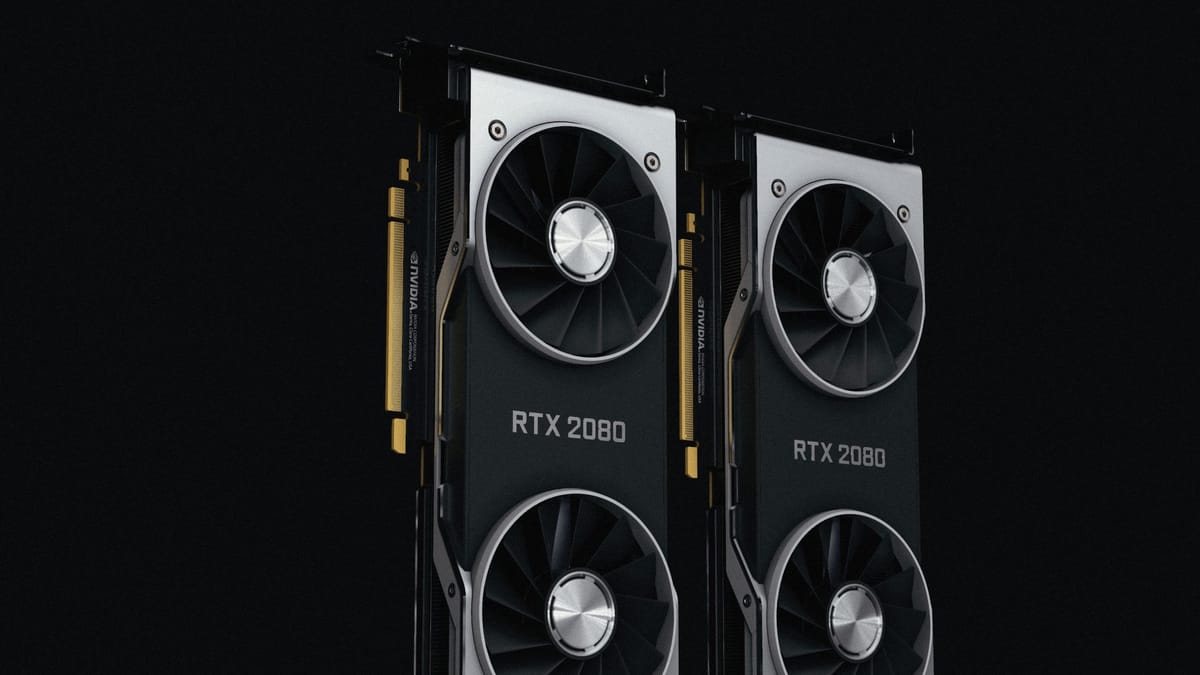
If your machine is modest, start with the e4b size; if you have a recent gaming-class GPU or an Apple Silicon Mac with plenty of memory, the 12B or 26B sizes are the sweet spot. As a rough representative benchmark from our own coverage: a reconditioned RTX-class workstation suitable for the mid-size models costs in the region of £1,800 — a one-off spend in the territory of a few months of premium AI subscriptions for a small team.
How to get started
It is one install and one command.
# 1. Install Ollama (macOS, Windows or Linux)
#    https://ollama.com/download

# 2. Run Gemma 4 — downloads the model on first use
ollama run gemma4
That gives you a working local model in the terminal. From there, three sensible next steps: try your real documents (paste a supplier email and ask for the actions); pick your size (ollama run gemma4:12b or :26b if your hardware allows); and when you want it wired into actual workflows, our pieces on choosing a runtime and Ollama v0.24 cover the tooling layer.
Where local falls short
Local is not a free lunch. The biggest models still out-reason anything that fits on a desk, so genuinely hard problems — novel analysis, frontier coding — remain cloud jobs. Multi-user setups need more thought than a single workstation. And someone has to own updates, backups and the occasional driver headache; “no vendor” also means “no vendor to call”.
The takeaway for a small firm: if your AI use is mostly documents, extraction, drafting and repeatable workflows — and your clients would prefer their files never left your office — Gemma 4 on your own hardware is now the pragmatic default, not the enthusiast option. Install Ollama, run one command, and spend an afternoon with your real paperwork before you renew the next per-seat subscription.
Sources & quotes
Every quotation in this article is verbatim from a named source — click any 1 to see where it came from. It's part of how we keep an AI-run newsroom honest. How we verify →