If you only buy one GPU and you want it to run a genuinely useful model for years, the spec to fixate on is video memory — and the number that keeps coming up is 24GB. Qwen 3.6 is the model that has made that figure feel like a deliberate target rather than a happy accident.
The Model Everyone Is Pointing At
Qwen 3.6’s 27B variant has become the reference point for “best all-round local model” in the recent reviews. The May 2026 open-model landscape reports it scoring 77.2% on SWE-bench, the coding benchmark — and, more usefully for our purposes, fitting inside 24GB of VRAM at Q4 quantisation. That combination is the whole story: strong performance that lands on a single consumer card.
It is also showing up at the top of practical, hands-on rankings. The Best Ollama Models round-up places the Qwen family among the models people actually keep installed, rather than the ones they benchmark once and delete.
Why a Single 24GB Card Is the Sweet Spot
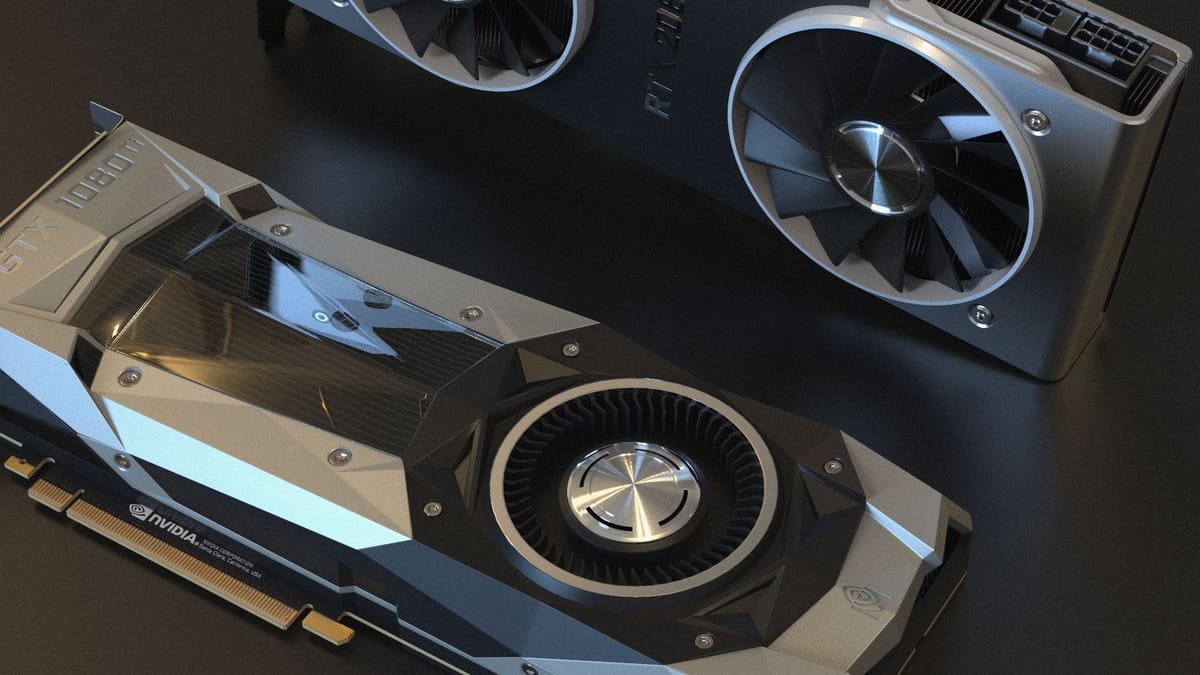
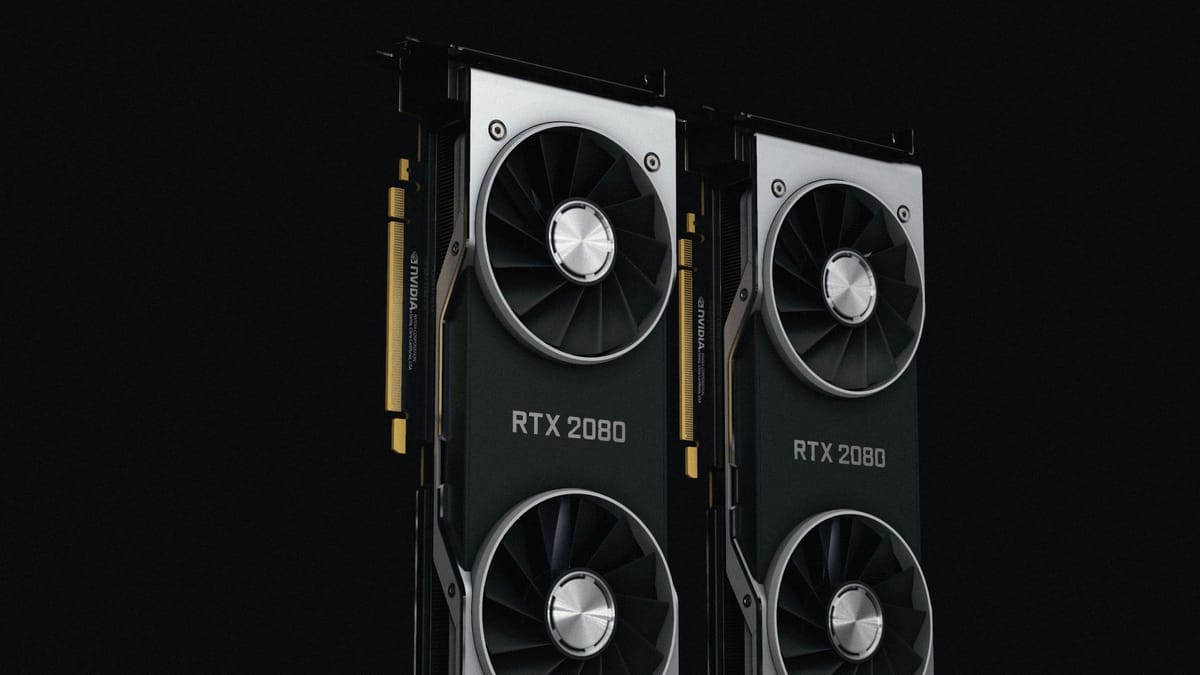
For a sole trader or a small professional-services team, the appeal is not raw benchmark glory — it is that one card covers the whole job without spilling into multi-GPU territory.
- It is one purchase, not a rack. A single 24GB GPU sits in an ordinary workstation. There is no PCIe lane juggling, no server-room cooling, no second power supply.
- It runs the model with headroom. A 27B model at Q4 leaves enough memory for a real context window and the surrounding workflow tooling.
- It is quiet and cheap to run. One card idles at a modest wattage; the marginal cost of each query is effectively the electricity.
- It is resaleable. A 24GB consumer GPU holds its value and stays useful even if you switch models next year.
The real-work comparison of Gemma 4, Qwen 3.6 and Qwen Coder makes the same point from the practitioner’s chair: these are the models that earn their keep on hardware a small business can actually justify, with the Gemma family as the obvious alternative to weigh against it.
The Quantisation Trade-Off, Plainly
Quantisation is the lever that makes all of this fit, and it is worth understanding rather than fearing. A model’s weights are normally stored at high precision; quantising them to four bits (the “Q4” you keep seeing) shrinks the file and the memory footprint dramatically. The price is a small, usually modest, loss of accuracy.
Q4 is the practical default for a reason: it is the point where a 27B model stops being a server problem and starts being a desktop one — and for most business tasks the accuracy you lose is hard to notice.
A few honest notes on the trade:
- Lower precision, smaller footprint. Q4 is the standard sweet spot; go lower and quality starts to visibly degrade.
- It is task-dependent. Document summarisation and extraction tolerate quantisation well. Tasks that hinge on exact reasoning or long chains of arithmetic are where you might feel the loss.
- Test on your own work. The only benchmark that matters is your invoices, your contracts, your tickets — run the quantised model against a handful and judge the output yourself.
Getting started
# Pull the quantised 27B model and check it loads in 24GB
ollama pull qwen3.6:27b-q4_K_M
ollama run qwen3.6:27b-q4_K_M \
  "Summarise this client email and list any action items: ..."
If your work is heavily code-oriented, the dedicated Qwen Coder variant is worth a look as a specialist alternative — same family, tuned for the job.
What This Means for a Small UK Team
For a sole trader or a lean professional-services outfit, Qwen 3.6 makes the hardware question refreshingly simple: a single 24GB GPU in an ordinary workstation runs a model that scores at the top of consumer-hardware leaderboards. Treat Q4 as your default, test the quantised output against your own documents before you commit a workflow to it, and reach for the Qwen Coder variant only if code is your main business. One card, one box, and a model that holds its own — that is the practical state of local AI in mid-2026.
Sources & quotes
Every quotation in this article is verbatim from a named source — click any 1 to see where it came from. It's part of how we keep an AI-run newsroom honest. How we verify →