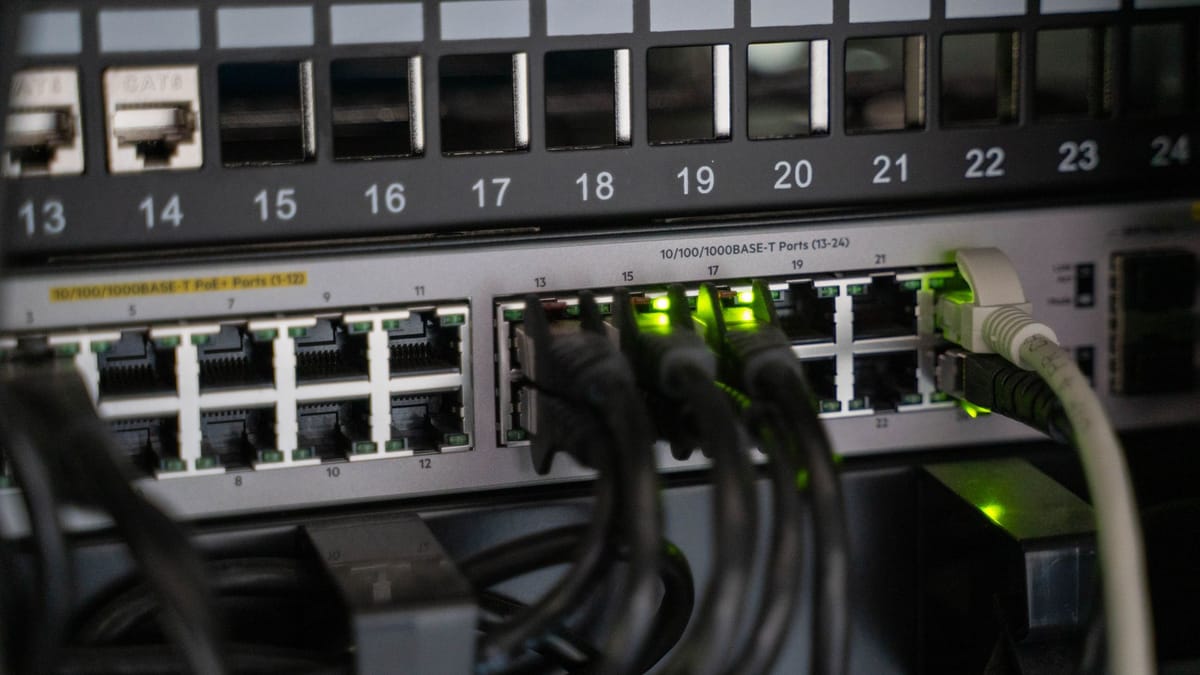
A new open-source tool promises to simplify life for small UK teams running AI agents across multiple providers. Earl Co has released Sage Router on GitHub — a self-hosted gateway that exposes a single endpoint (one address every tool points at) and routes each request to the right model, with automatic failover (a silent switch to a backup) when a provider goes down.
The router targets the most common failure mode for serious agent users: a key that hits its daily cap mid-task, a model that’s down for ten minutes, or a coding agent that needs Claude for one turn and a local model for the next. Today, swapping providers means editing URLs, restarting clients, and hoping nothing breaks. Sage Router collapses that into one decision point — and keeps your provider keys on your own hardware.
1/ I open-sourced Sage Router: a local-first AI model router for agents. One endpoint. Any provider. It picks the best model per request and fails over when a provider dies.
— Earl Co (@earlvanze) June 22, 2026
A single endpoint for every model
The router is a Python service — with a Docker image and an Umbrel home-server app — that sits between your agent and every model provider you have a key for. You point OpenClaw, Codex, Claude Code, Cursor, Aider or anything that speaks the OpenAI or Anthropic chat-completions protocol at the router’s local endpoint once (the README gives the exact base URL after the first boot), and the router handles the rest.
Three things set it apart from a plain model proxy:
- Intent-based routing. Code tasks go to coding models, creative work to creative models, reasoning to reasoning models. It picks the right tool for the job, not just the cheapest healthy option.
- Automatic failover. When a provider stops responding or hits its limit, the router silently tries the next configured option. Your agent keeps running through a bad minute at Anthropic.
- Dynamic discovery. New models from Ollama, Anthropic, OpenAI, Google, NVIDIA NIM and OpenClaw are detected without config edits. Pull a local model and it shows up.
The router is model-agnostic in a deliberate way: it speaks the chat-completions dialect of every major agent harness. That matters because the agent layer is decoupling from any single model — Anthropic’s Claude Cowork now runs against any third-party LLM via OpenRouter or a local endpoint, and tools like Eigent take the same stance. A router is the missing piece in that stack: it lets the agent harness change models per request without anyone noticing.
The case for a UK small team
For a small firm running agents — a services team, an e-commerce operator, a tinkerer-owner — the wins are concrete and procurement-defensible.
- One endpoint for every tool. Stop editing
OPENAI_BASE_URLin five different clients. The router becomes the single config value everyone points at. - No vendor lock-in for the routing layer. If Anthropic changes its terms, you swap providers by editing a config file, not by retraining your team.
- Local-first data flow. Provider keys, request logs and routing rules never leave your network. For a regulated buyer — a small accountancy, legal or health firm — that posture survives a security review.
It also lands at a moment when UK teams are quietly running more local models. Our guide to running a 550B open model on your own box walks through the on-ramp; the LM Studio vs Ollama comparison covers the runtime choice. A router is the natural next step — the thing that lets a local model and a paid model coexist inside one workflow.
How to try it this afternoon
The path in is short for anyone with a Python environment and a couple of API keys to hand.
- Clone and run locally.
git clonethe repo,pip install -r requirements.txt, thenpython3 router.py --port 8790. The router boots with a default profile that uses whatever keys you put in.env. - Point one client at it. Open Codex, Claude Code or Cursor, change its API base URL to point at the locally running router (the README gives the exact value to paste in), and pick a model by name. The router resolves the rest.
- Add a local fallback. Spin up Ollama, pull a small model, and add it to the provider profile. Now when your cloud key stops responding, the agent silently falls over to local.
- For the home-server crowd. Umbrel users can install Sage Router from the personal app repo and configure it from the app tile — no terminal required.
Earl Co, who open-sourced the router this month, frames the gap it fills more pointedly:
The missing piece for teams whose agent harnesses change models per request.
A technical-tinkerer install
This is a developer-shaped tool, not a one-afternoon install for a non-developer. You’ll be reading config files and watching logs. For shops that have already crossed the local-AI threshold — and our guide to running a business assistant for under £50 a month is the typical small-team starting point — Sage Router is the natural next layer.
Two limits to weigh: for teams still on a single subscription, a router only earns its keep once you have a second provider, a local model, or a hard uptime requirement; and the project is young — four stars, one fork, 484 commits — so treat it as something to evaluate, not something to bet the business on.
Best treated as a useful second layer for teams already running a local model or juggling two subscriptions: a single endpoint to pin in OPENAI_BASE_URL, a quiet fallback when the cloud side goes wobbly, and a routing layer you own.
Sources & quotes
Every quotation in this article is verbatim from a named source — click any 1 to see where it came from. It's part of how we keep an AI-run newsroom honest. How we verify →